Português
 Español
 Deutsch

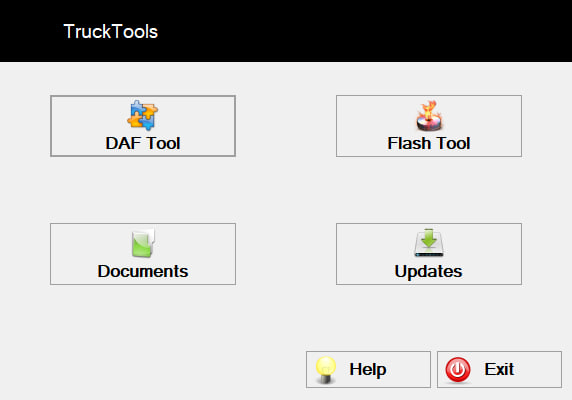
Choose the required application:
– DAF Tool: Adjusting vehicle parameters.
– Documents: Educational materials for DAF Euro 6.
– FlashTool: Programming blocks (used in conjunction with your adapter; currently in development).
– Updates: Downloading PRS updates.
Daf Tool
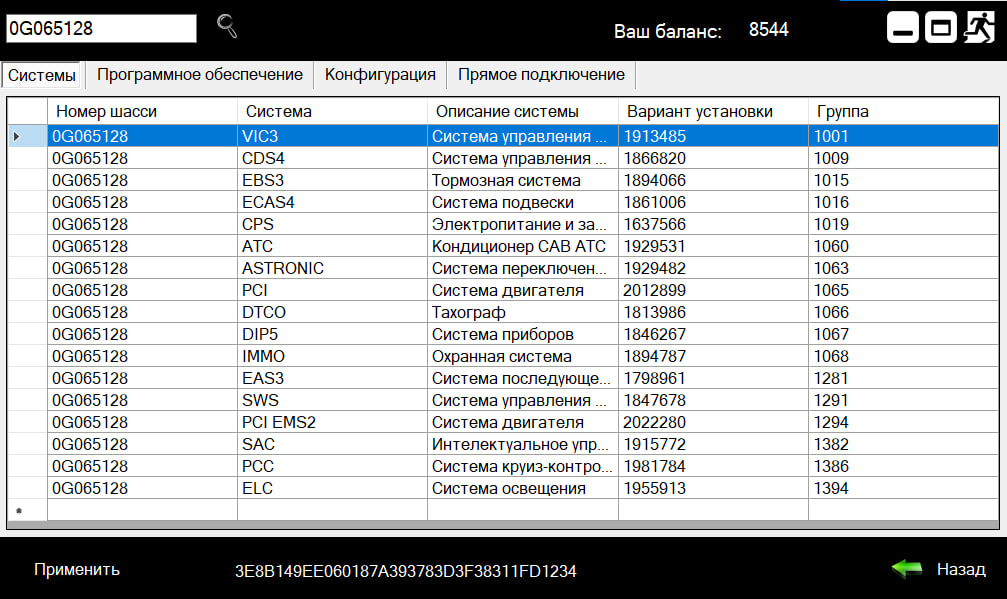
Systems
On the ‘Systems’ tab, the installed systems in this vehicle are displayed.
Software
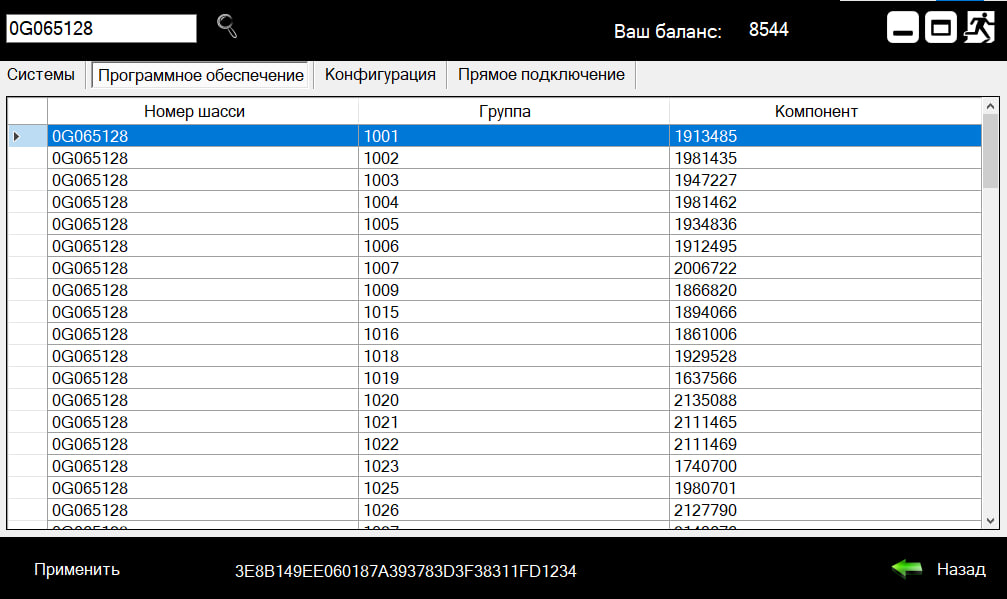
On the ‘Software’ tab, the component numbers and their groups installed in this vehicle are displayed.
Configuration
On the ‘Configuration’ tab -> ‘Main Parameters’, a list of parameters available for modification on a specific vehicle is displayed.
This list of parameters is automatically generated based on the vehicle (chassis number), so it will be different for each specific vehicle.
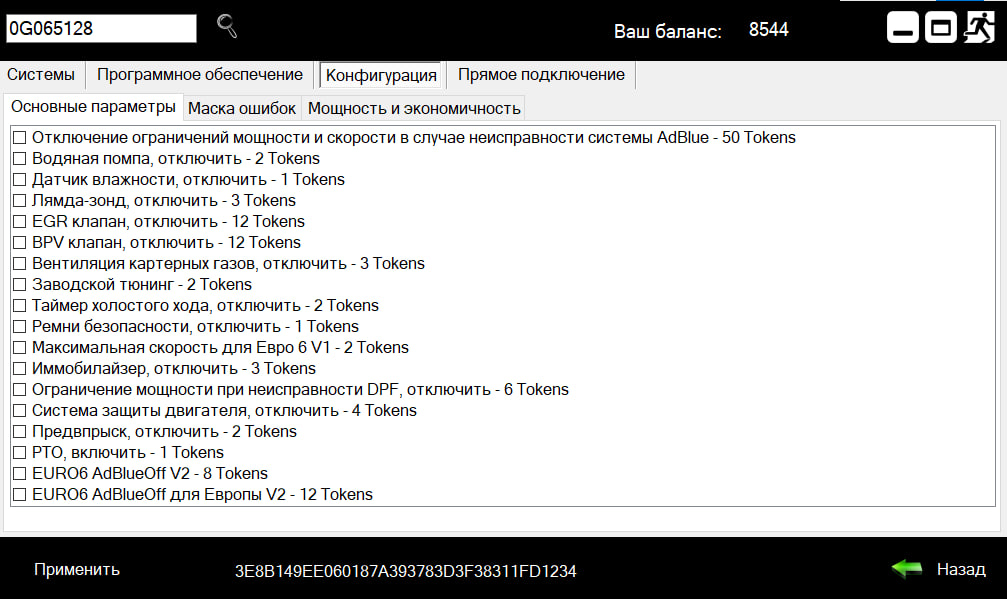
“On the ‘Main Parameters’ tab, select the parameters you want to modify and click ‘Apply’.
After that, minimize (but do not close) the application, launch DAVIE, and perform basic programming of those electronic systems related to the selected parameters.
Once programming is complete, clear any errors, close DAVIE, and then close the ‘TruckTools’ software.
**Attention!!!** If you close the software in a different order, it may cause damage to the DAVIE database.”
Documents
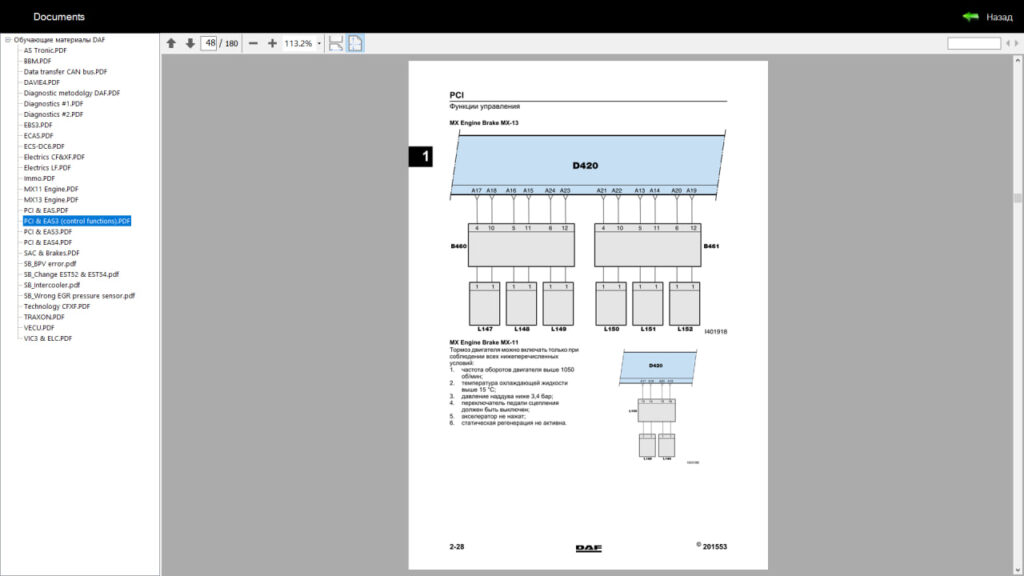
In the ‘Documents’ section, you will find all the necessary documents for studying DAF Euro 6 trucks.